Blog Post Layout & Design Features Ideas
Design is more than just a form of self-expression in our blog posts. It directs readers, shapes their experience, and communicates our brand.
I’ve built layouts and design features to meet these goals, and I’ll show you how I put them together.
Layout
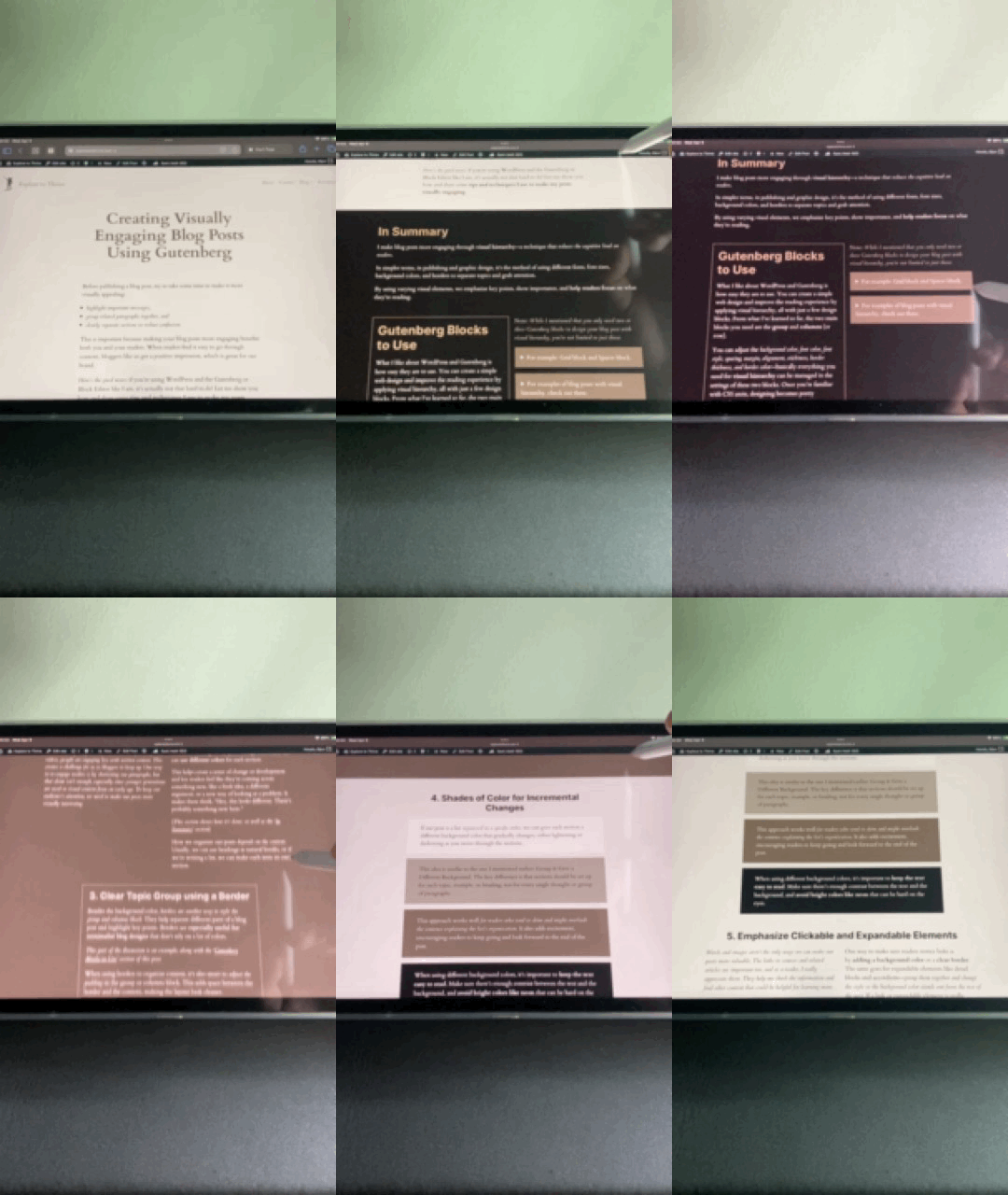
Visual Hierarchy
Use background colors and borders to catch attention and reinforce your brand as readers go through the content.
Prev – Learn More – Next
Layout
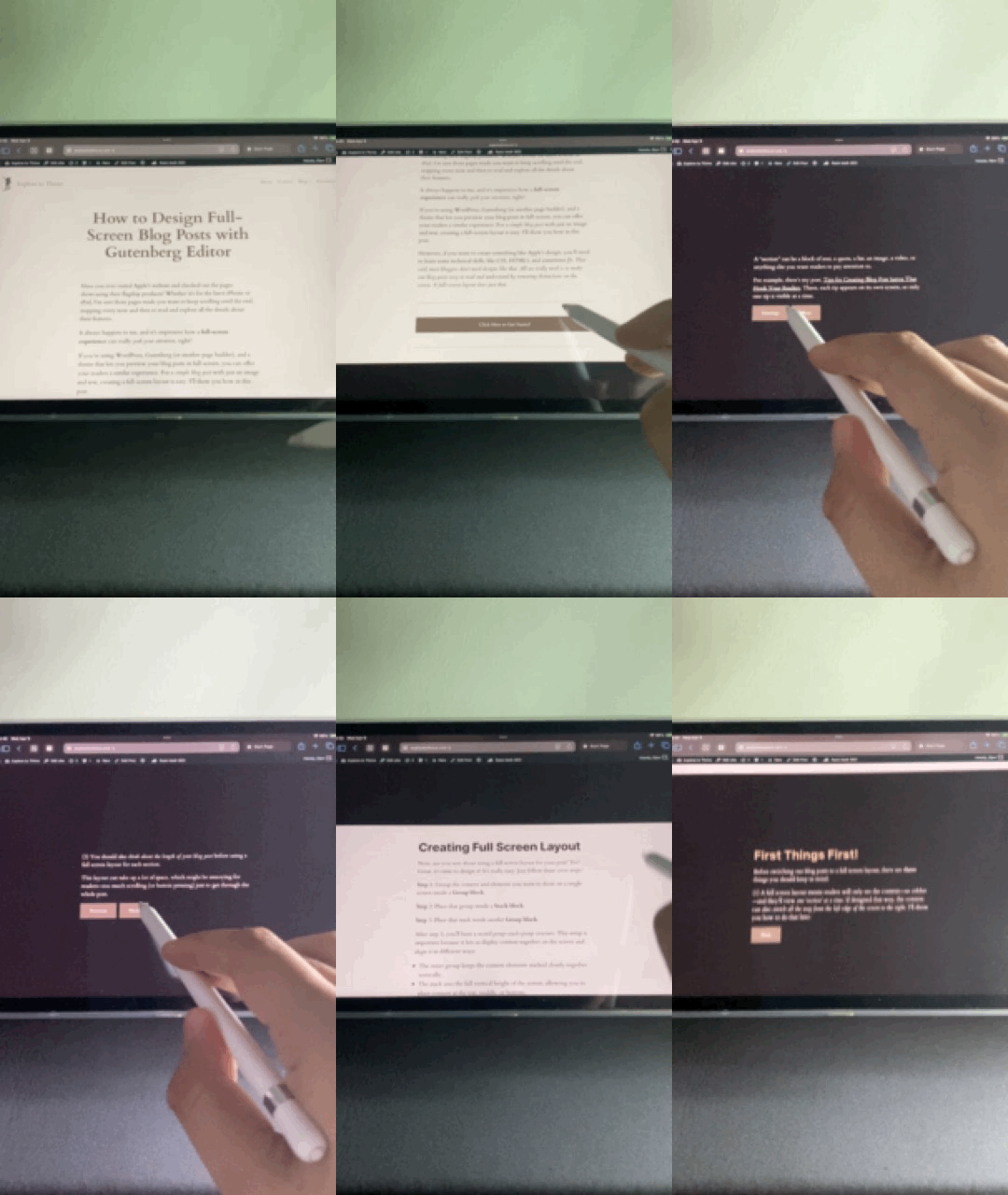
Full Screen View
A layout that helps readers focus on key topics and important ideas you want to highlight.
Prev – Learn More – Next
Layout
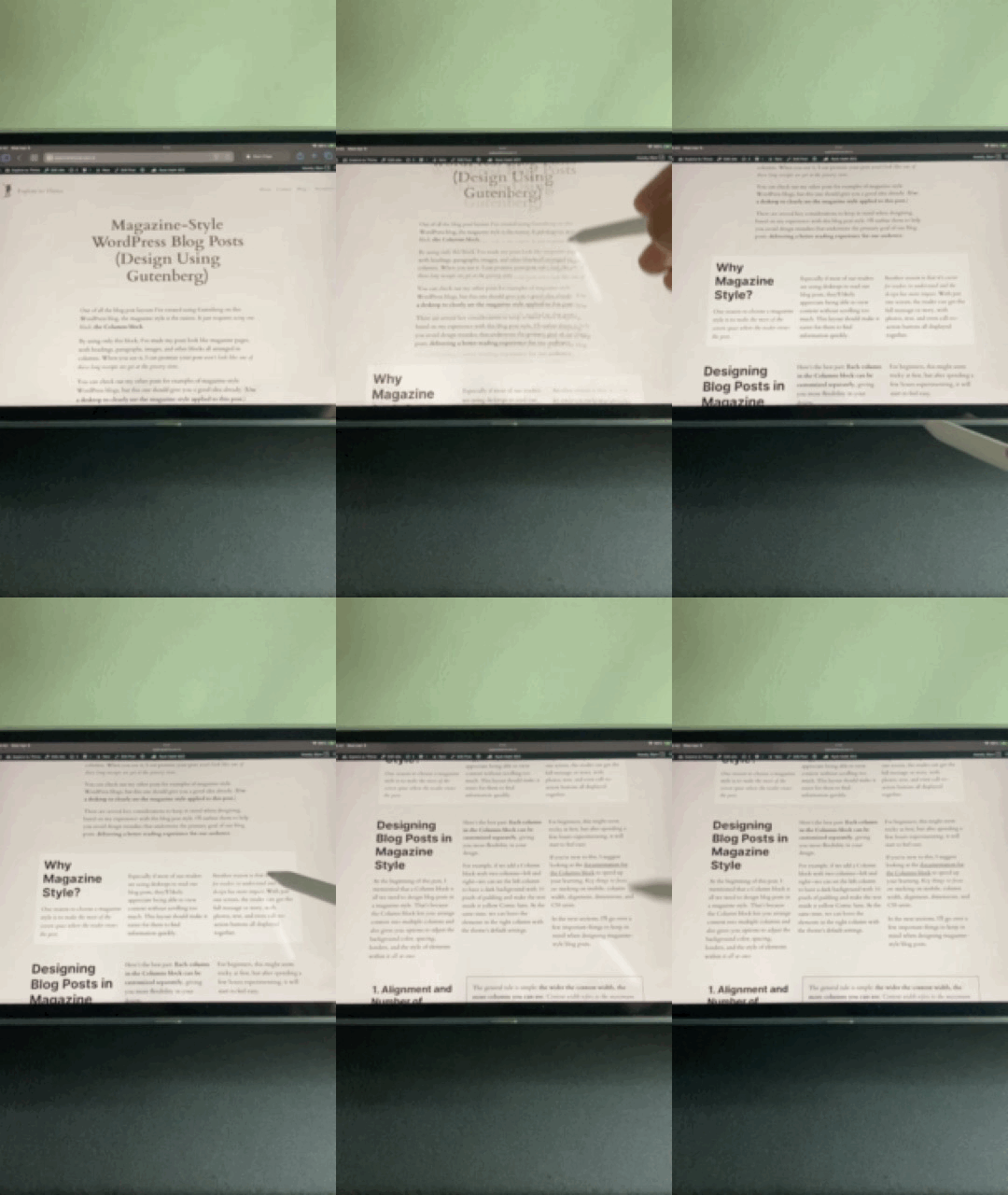
Magazine Style
Give your readers the classic feel of column-based content like they’d find in a traditional publication.
Prev – Learn More – Next
Layout
Simple & Seamless
For a smoother and uninterrupted reading experience of a topic or story, this layout is the solution.
Prev – Learn More – Next
Design Feature
Interactive Table of Contents
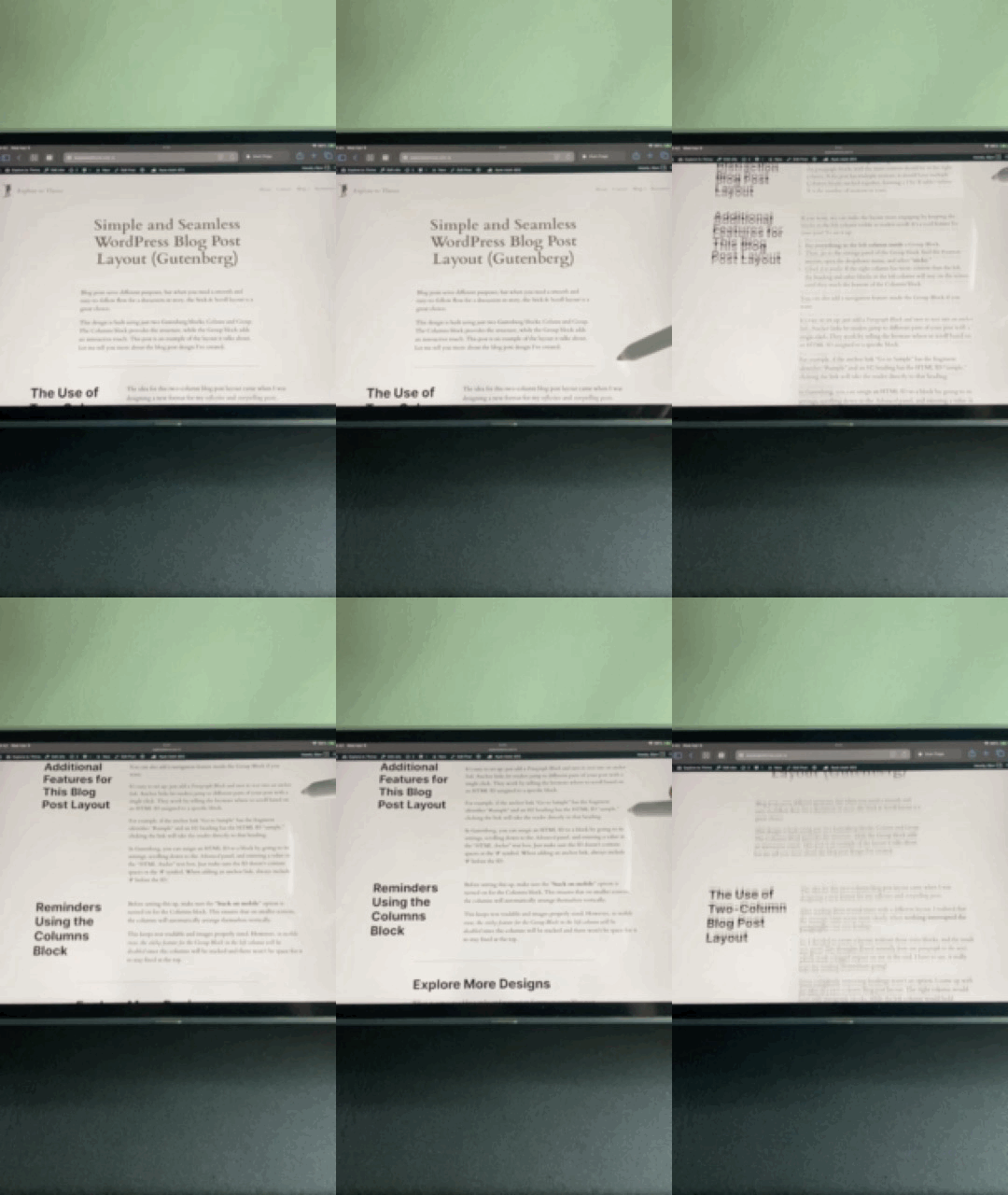
Give readers a clear overview of the post and let them jump straight to what interests them most.
Prev – Learn More – Next
Design Feature
Sticky Navigation Bar
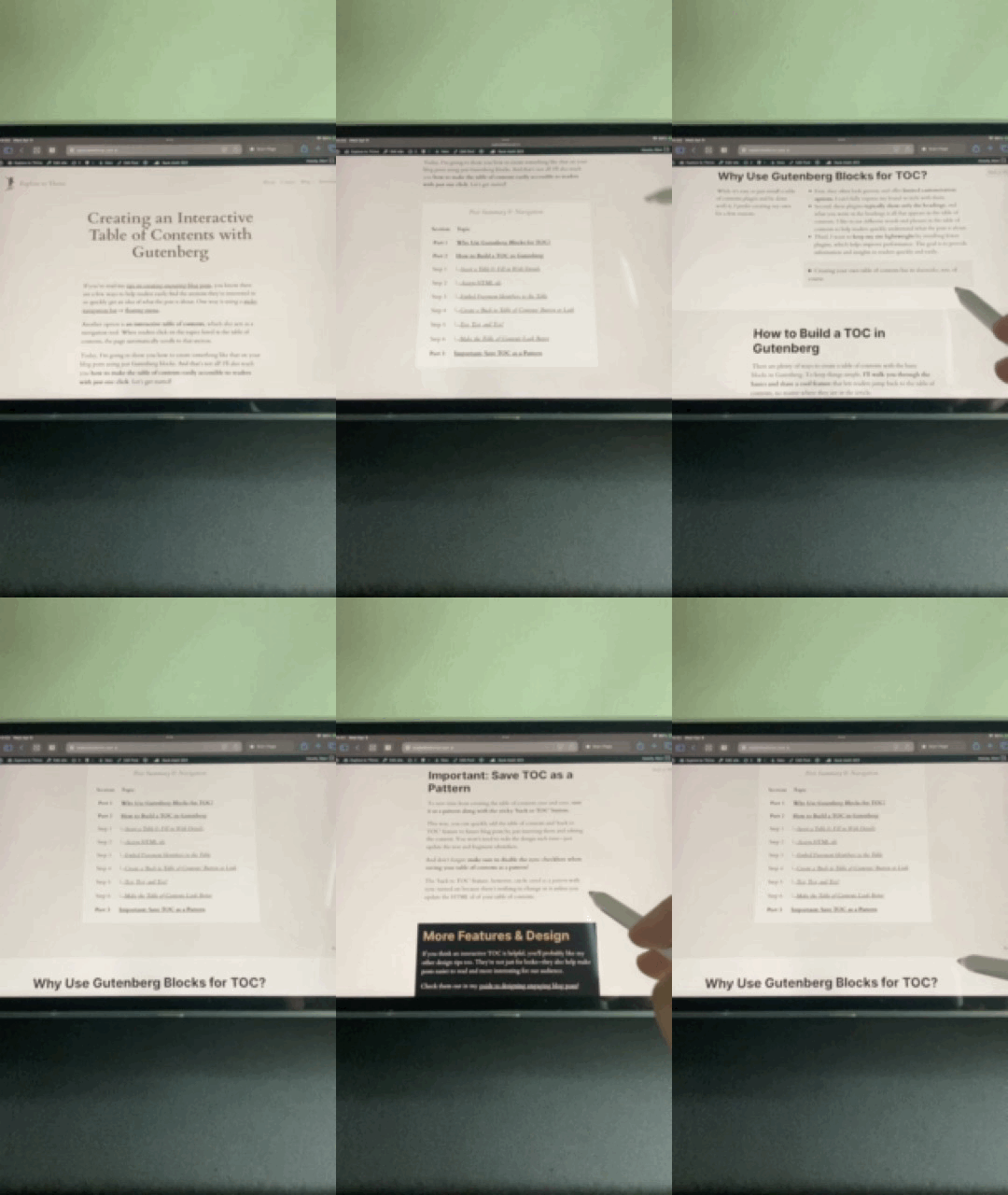
Let readers jump to different sections of your post anytime by using a navigation bar.
Prev – Learn More – Next
Design Feature
Floating Menu Navigation
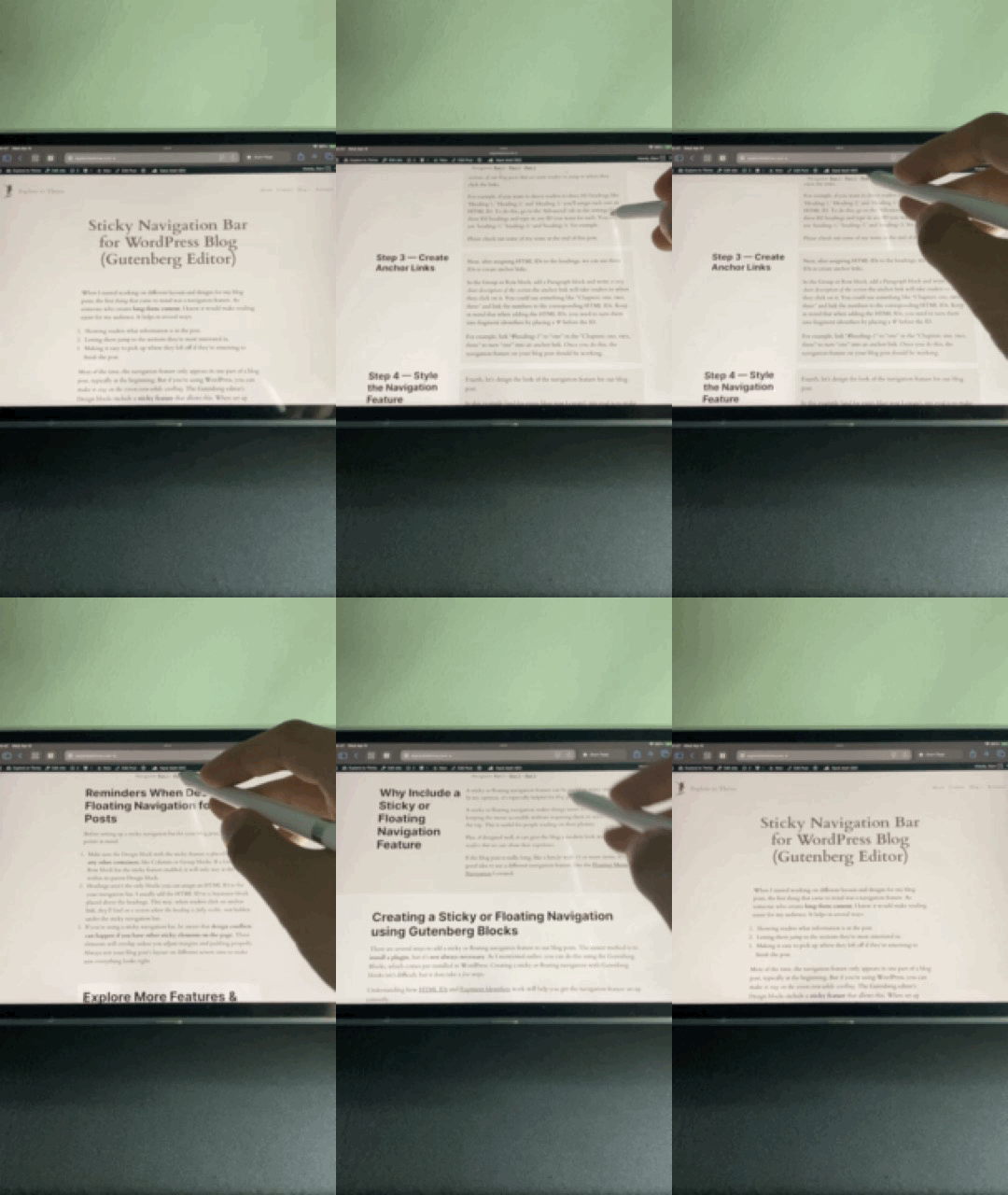
Help your readers find what they need in a long list of ideas or get through a detailed post more easily.
Prev – Learn More – Next
Design Feature
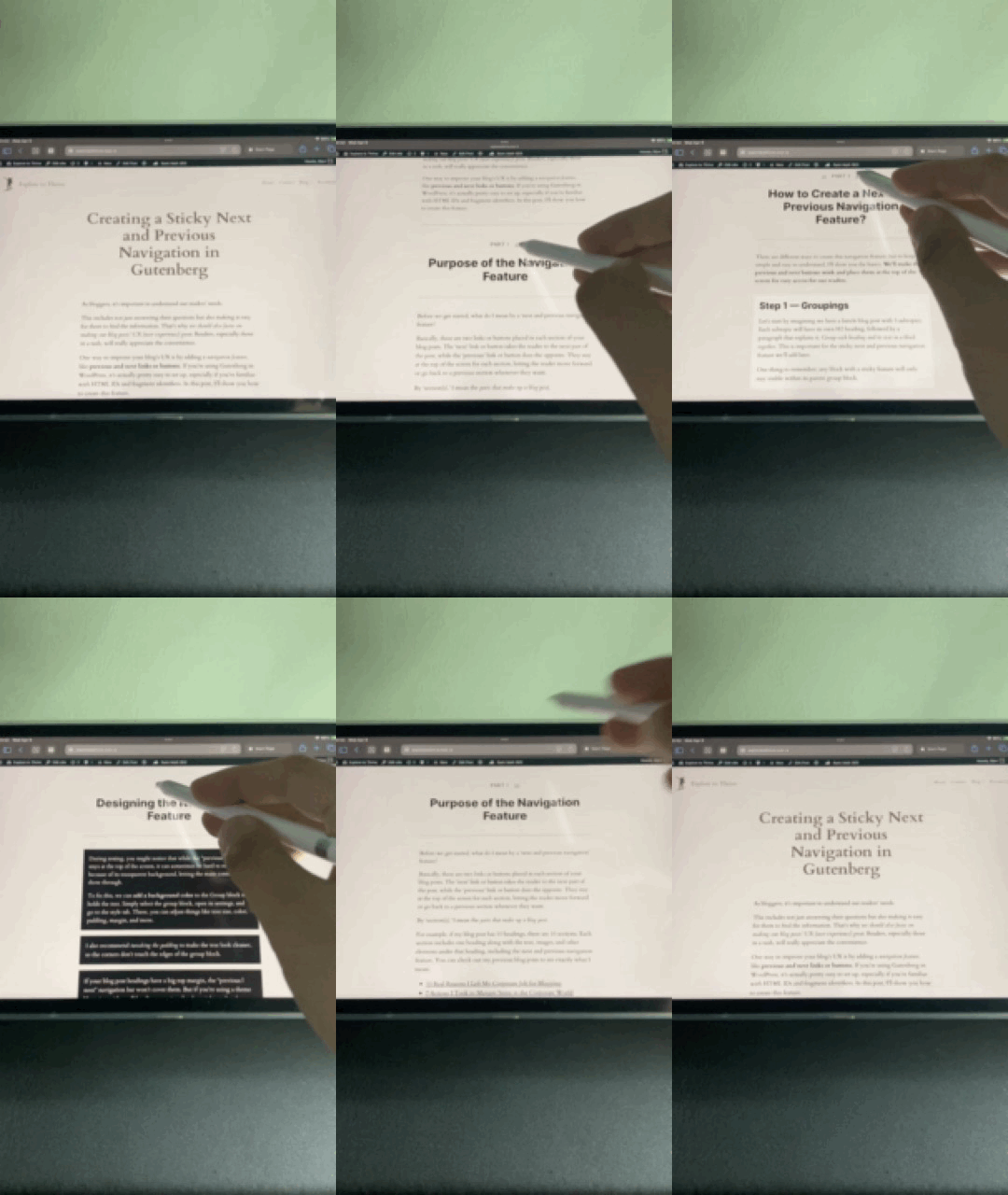
Previous-Next Navigation
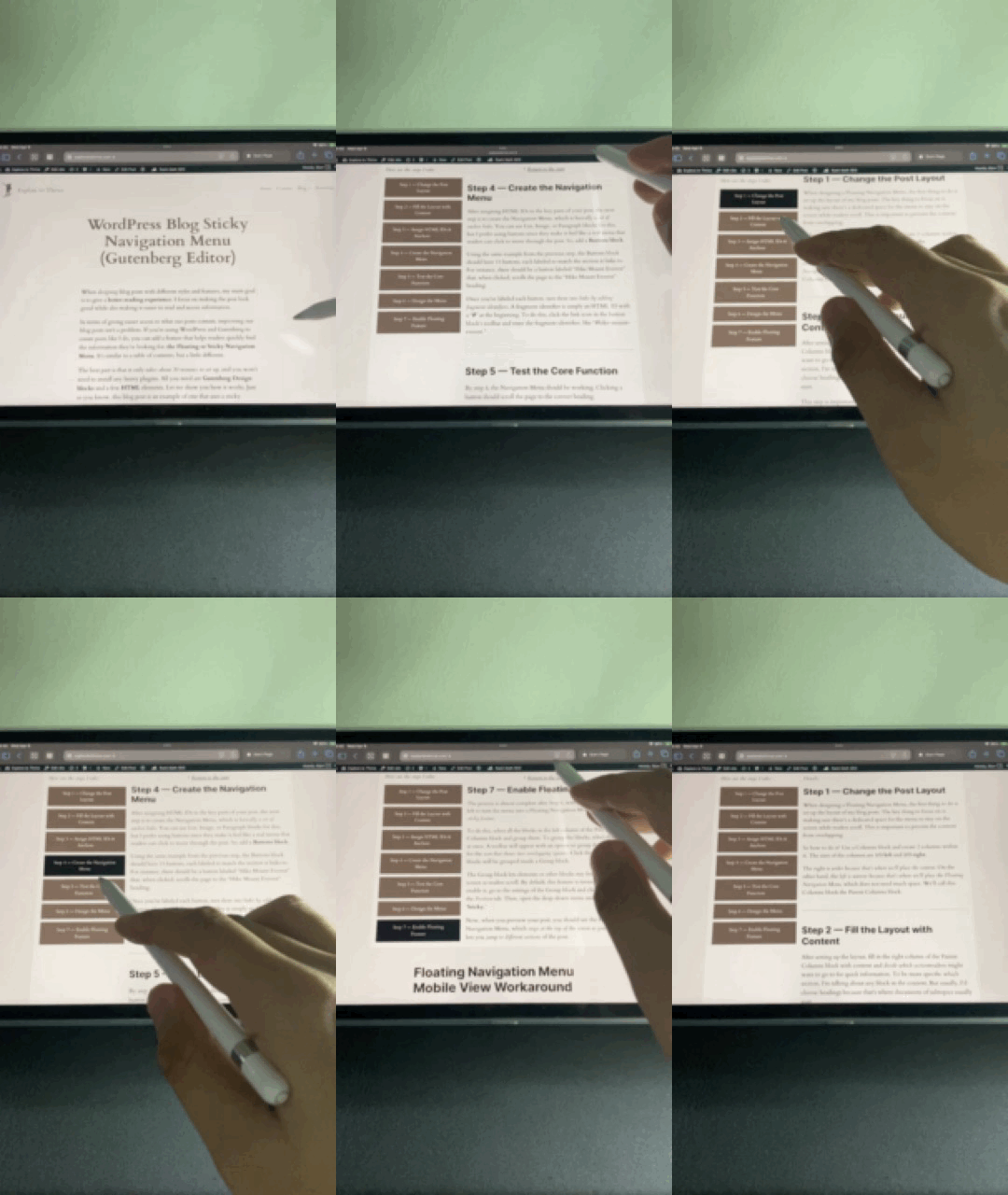
Make it easy to skip ahead or go back to earlier topics with a simple navigation feature.
Prev – Learn More – Next
Design Technique
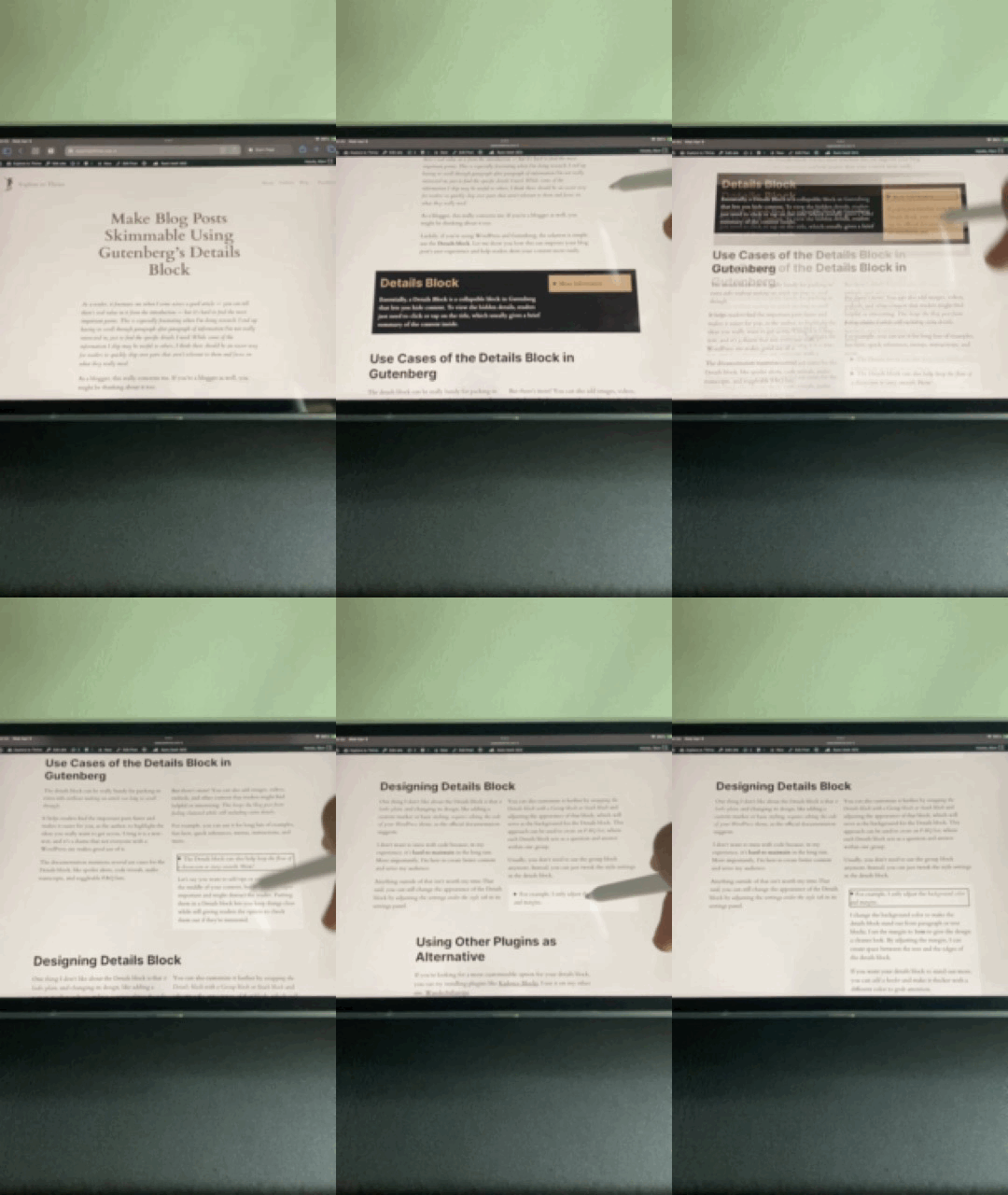
Skim++ Using Details Block
Hide the less important details or include some hidden gems for your readers to discover!
Prev – Learn More – Next
Read Design Tips & Detailed Summary of Each Design
Explore to Thrive gives you a free guide on designing blog posts that grab readers’ attention and keep them engaged. Check it out!